

When I first renovated my living room a few years ago, I learned firsthand how much difference a few inches can make. Mounting a TV on the wall can save space and elevate your decor, but that only works if you know how to mount a TV above a TV stand the right way. This essentially means that you need to pay close attention to the details, such as getting the mounting height to align with your eye height (around 1067 mm) while creating a stylish clearance between the screen and the TV stand. One thing you should check is the VESA pattern and weight limits of your mount.
My initial instinct of positioning the television higher on the wall for a dramatic effect backfired, so let me warn you against it from the start. You need to lower the screen so it aligns closely with your eye level when you are seated. If you’re still researching the best arrangements to help how to mount a TV above a TV stand, this guide will walk you through every step. Read on to achieve a functional and beautiful TV decor from the start, without having to redo your setup as I did!
Table of Content
Why Mount a TV Above a TV Stand?
If you are in the middle of debating whether a mounted TV or a traditional TV stand is the best setup, here’s a thing for you: Do both. While this may sound counterproductive, learning how to mount a TV above a TV stand can enable you to get all the benefits of a wall-mounted screen and all the practicality of a media console.
Reason 1: Aesthetics
Ultimately, a mounted TV instantly creates a clean and uncluttered look that will make the room feel bigger. But the decor can feel empty, so the TV stand visually grounds the setup. Otherwise, believe me, that TV will be looking like it’s floating awkwardly in the middle of your wall.
Reason 2: Practicality
The TV may be mounted, but you can’t mount every streaming device, gaming console, remote, and everything your media space needs. That’s why you need a TV stand that becomes your storage center. This keeps your TV essentials organized, and you can even use the surface of the stand to display decorative accents.
Reason 3: Safety
If you have children or pets, a wall mounting will keep the television more secure. It instantly eliminates the risks of knocking it off accidentally. One word of advice here from the U.S. Consumer Product Safety Commission: Properly anchoring both the television and the mount is essential to reduce the risk of tip-over accidents.
Ultimately, you don’t have to choose between a mount and a stand. Most designers pair the two to blend style and functionality. So, all you need to do is understand how to mount a TV above a TV stand to get the best effect.
What You Need to Mount a TV Above a TV Stand
Before diving into how to mount a TV above a TV stand, the first step is to prepare. It is going to be a very frustrating project if you don’t have either the right tools or the right mount for your TV.
Essential Tools
Typically, mounting a standard TV doesn’t require specialist equipment. This is the good news. The bad news is that you still need to make sure you’ve got the right basic equipment. At this point, if you are not an enthusiastic DIYer and don’t own some essential tools, this is your sign to look for a pro to help.
What will you need?
- Tape measurer
- Stud finder
- Spirit level
- Something to mark measurements (usually a pencil)
- Power drills with appropriate parts
- Screwdriver or a socket wrench
- A TV wall mount kit
Optional but helpful: A pair of safety goggles
It may be tempting to tackle everything alone, but televisions nowadays tend to be on the larger side. So, having at least one extra pair of hands will definitely make the process less stressful.
TV & Mount Compatibility
Don’t make the same mistake as me: Not every wall mount works with every TV. So, you need to confirm they are compatible.
To do so, check your television’s VESA pattern. This refers to the standardized spacing between the mounting holes at the back. The VESA information is usually listed under the product specs of your TV and of your mount.
While you’re there, you also need to check:
- The weight of the TV vs the maximum weight capacity of the mount
- The screen size range recommended for the bracket
- The type of wall the mount is designed for (drywall, concrete, etc.)
Step-by-Step Guide on How to Mount a TV Above a TV Stand
While the process itself isn’t complicated, it still requires careful measurements and patience to get the setup just right.
Positioning the TV Stand
Start with where you want your TV stand to be in the room. This will be your reference point for the entire arrangement.
There are a few things to consider, such as where you will be seated and where the nearby windows are. Ultimately, you want the best TV viewing experience, which means a comfortable distance from the sofa and no sun glare. Additionally, it’s the opportunity to review power outlet access, considering everything you’ll need to plug in.
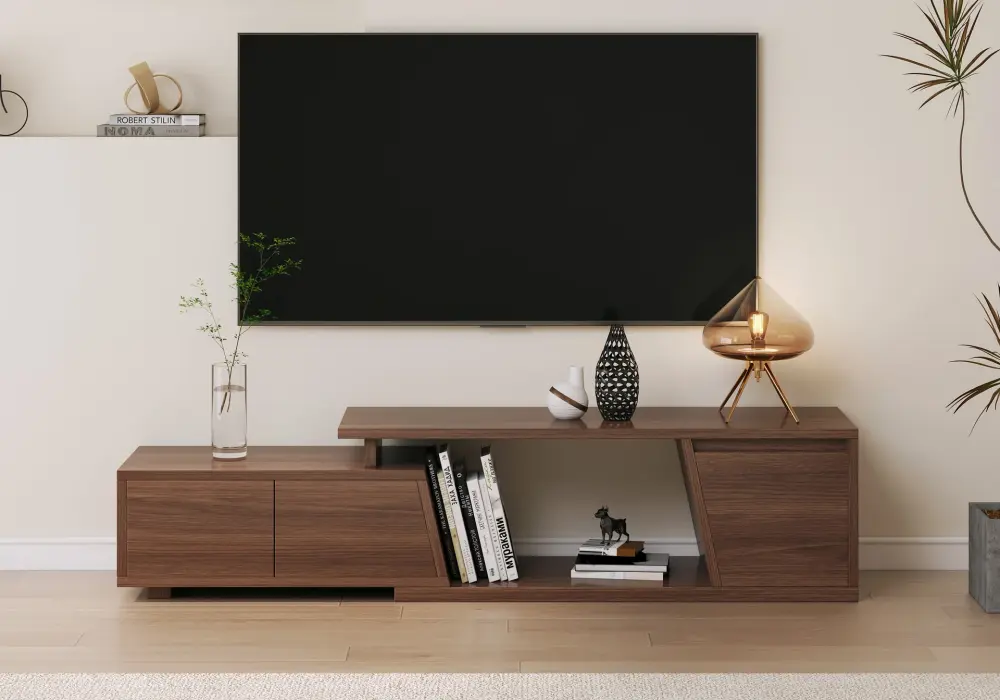
image from Homary
The Ideal Viewing Height
One of the most important aspects of how to mount a TV above a TV stand is the height. The center of the screen should be aligned with the level of your eyes when you are seated. As a general rule of thumb, this is around 1067 mm high, but you should also consider the sofa height and your overall viewing position.
It can help to mark the approximate TV location on the wall with painter’s tape.
The Gap Between the TV & the Stand
What’s the ideal gap between the stand and the wall-mounted TV? The answer is 102 mm to 203 mm of clearance.
But you may want to leave more space if you plan to use the top of the TV stand to add further equipment or decoration.
For Drywall Only: Mark the Studs
If you have drywall, you need to use a stud finder to mark the center of the wood studs. The majority of wall mounts are designed to attach directly to studs. For drywalls, skipping this step can make the whole installation less sturdy.
Wall Mount Bracket Installation
Every mount comes with manufacturer’s instructions explaining how to ensure the wall sits straight. They will indicate how to hold the wall plate against the studs' locations and where to place a spirit level.
Then you can mark the holes and drill them. Secure the brackets using specifically the provided lag bolts, and tighten everything firmly. Be careful not to overtighten.
Attach the Mounting Arms to the TV Back
Use the screws that should be provided with the mount to secure the arms at the back of the TV. Here again, you want it tight, but not overly tight.
Lift the TV
Lifting the television and hooking it onto the wall bracket is a 2-person job. Make sure that you’ve engaged the locking mechanisms that prevent the TV from moving once it is installed.
TV Mounting Height Guidelines by Screen Sizes
This table provides general guidelines for a typical sofa height and a standard TV stand measuring approximately 508 mm to 762 mm tall.
TV size | Center height from floor | Suggested TV & TV stand gap | Recommended viewing distance |
43 inches | 1016 mm to 1067 mm | 102 mm to 152 mm | 5 to 7 feet |
55 inches | 1067 mm to 1143 mm | 102 mm to 152 mm | 7 to 9 feet |
65 inches | 1067 mm to 1219 mm | 152 mm to 203 mm | 8 to 11 feet |
75 inches | 1118 mm to 1270 mm | 152 mm to 203 mm | 9 to 12 feet |
85 inches | 1168 mm to 1321 mm | 203 mm to 254 mm | 10 to 14 feet |
Bear in mind that it is best to test things out in your own home to ensure a comfortable setup.
Common Mistakes to Avoid When Mounting a TV
Even when you’ve researched how to mount a TV above a TV stand, there may still be a few mistakes that can pop up. Ultimately, mistakes happen. But here are the top 5 you should avoid at all costs.
Mounting the TV too high
How could you be mounting the TV too high if you follow the guidelines above? The ideal height of the TV depends on the height of your eyes when you sit down on the sofa.
In other words, if you have a particularly low sofa, you’ll need to adjust accordingly instead of sticking to the recommended 1067 mm. It sounds silly, but it’s a surprisingly easy mistake to make.
Ignoring the height of the TV stand
As a general rule, this guide uses TV stands that are between 508 mm and 762 mm in height. Now, what if your TV stand has a different height?
What happens more frequently is that you decorate the top of the TV stand, and you forget to consider how much more height the added elements bring. So, as a result, the entire setup can feel crammed because the gap between the TV and the stand looks too small.
Choosing the wrong type of mount
Even if you have the right VESA patterns and weight specs, you have to remember that there are different mount options: fixed mounts, tilting mounts, and full-motion mounts. Each will have a different effect on the viewing experience, so it’s best to understand the difference early and pick the right one for your setup.
Skipping cable management
What is the point of having a beautiful setup with a wall-mounted TV and a TV stand if you leave a tangle of cables visible?
You’ve got different options to keep it organized. You can use cable management sleeves or even in-wall cable routing (this option is done by a professional), for example. You can also choose cord covers that will match the wall color. It’s worth noting that some furniture sets are also designed with built-in organization, which can make things a lot easier.
Forgetting safety checks
You know what? A final check to confirm that the bolts are tightened securely and the TV locking mechanism is engaged will take only a few minutes. But it can go a long way. You also want to check that your cable management solution isn’t placing any tension on the TV.
Expert Styling Tips That Make The Setup More Intentional
As a general rule, your TV stand should be slightly wider than the television. This will create a visual balance. For minimalist decors, the right TV stand will bring the sleek modern lines you need to bring the entire arrangement together.
Symmetry naturally creates a sense of order. I was once tempted to offset the TV slightly for effect, but let me tell you this: It made everything feel too unbalanced. The whole entertainment area acts as a focus point, so when the stand and the TV aren’t aligned, it feels jarring.
While you can decorate the top of your media console, you also want to stick to the golden rule of decoration: Less is more. It truly is here. The more you put on top, the more cluttered and distracting it’ll feel.
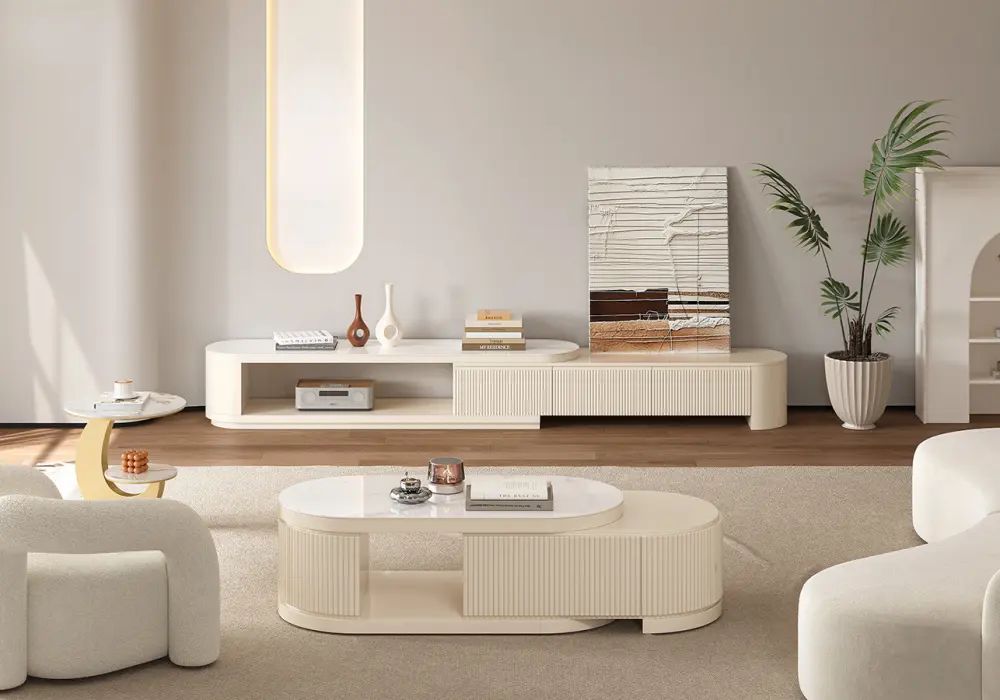
If you are still trying to pick a media console for moving further through your setup, it’s worth reaching out to Homary design services. We’re here to help you make sense of your decor, so you can make sure that you know how to mount a TV above a TV stand the right way.
Homary Image
FAQs
Can I mount a TV without using wall studs?
There are specialized anchors designed for specific mounting situations. These anchors depend on the size and weight of the TV as well as the type of wall. Drywalls typically need studs. But if you have solid concrete, brick, or even cinder block, you will need a different type of anchor.
What type of TV mount is best for going above a TV stand?
The type of mount will depend on your viewing habits and the overall room setup. You can use fixed mounts when the viewing angle is straightforward. If the TV needs to sit slightly higher than eye level, a tilting mount can make the setup more comfortable. If you have a large living room or a full open-plan space with multiple seating areas, a full-motion mount is the best option to adjust the screen position.
When is DIY installation not optimal for mounting a TV above a TV stand?
As a rule of thumb, if you are not a confident DIYer, you should seek professional installation services. Additionally, even homeowners with a lot of DIY experience hire professionals for the following services:
- The TV is 85 inches or larger
- This isn’t a drywall
- They want cables running inside the wall
- It’s a full home theater setup rather than just a TV mount