

Setting up a brand-new living room comes with one big, unavoidable fork in the road: should the TV go up on the wall or sit comfortably on a dedicated media console? Settling the wall mount TV vs TV stand debate really comes down to three things: your room layout, storage demands, and living situation. Wall mounts free up floor space and bring that clean, floating look. On the flip side, a good TV stand offers instant storage, protects your drywall, and hides messy cables with zero fuss.
When renovating a living room, it's remarkably easy to fall into the trap of picking what looks coolest in a photo without checking the physical layout first. A friend of our team recently mounted a gorgeous 75-inch (1905 mm) screen on a drywall feature wall, only to realize ten minutes later that there was nowhere to put the soundbar, gaming console, or streaming box, leaving a chaotic web of black wires dangling right down the middle of the wall. Definitely not what you’d want after an evening of DIY.
The thing is, great design is all about balance. A floating screen looks sleek, but it can quickly turn messy without a strategy for components. Meanwhile, a solid media console grounds the room instantly, though choosing one that's too bulky can crowd a smaller floor plan.
So in this guide, we’ll break down feature comparisons, height rules, real-world scenarios, and give you a couple of pairing ideas so you can finally nail your media setup on the very first try.
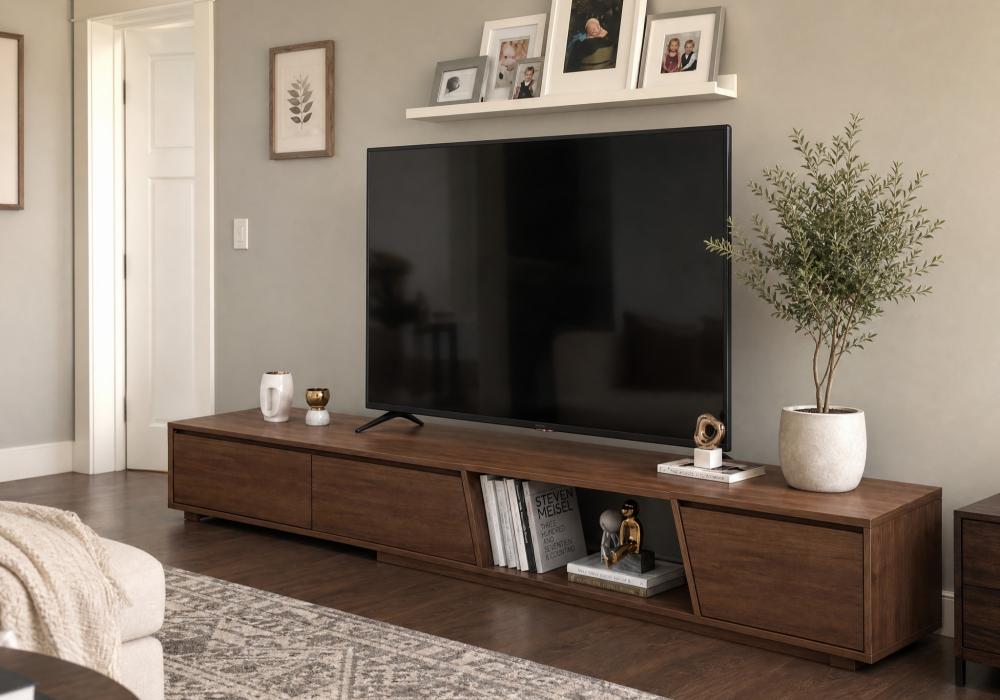
Source Homary
Wall Mount TV vs TV Stand: A Direct Feature Comparison
Most people think that choosing between a wall mount and a media console is mostly about looks. But that’s far from the truth. It's more about how you live in your space every day. It’s the functionality that really matters. At the end of the day, both setups have clear perks, but they solve very different living room problems.
Some homeowners want a sleek, floating display that feels like a modern art gallery. Others need deep drawers to stash board games, controllers, and extra blankets. Comparing both options across core feature categories makes it much easier to spot the right fit for your floor plan.
Feature | Wall Mount TV | TV Stand / Media Console |
Storage Capacity | None on its own. Needs floating shelves or nearby tables to hold gear. | High. Built-in drawers, cabinets, and surface space for soundbars and accessories. |
Installation Complexity | Moderate to High. Requires stud finders, heavy drilling, and leveling tools. | Low. Mostly simple furniture assembly, then plug-and-play placement. |
Cable Management | Tricky. Demands in-wall wiring kits or surface raceways to hide hanging cords. | Easy. Integrated backboard cutouts keep power strips and cables neatly out of sight. |
Flexibility and Mobility | Low. Moving the TV means unmounting hardware and patching drywall holes. | High. Easy to shift during room redesigns, spring cleanings, or home moves. |
Safety and Stability | Exceptional against tipping. Ideal for earthquake zones or high-activity rooms. | Stable, but freestanding units require anti-tip wall straps around pets and kids. |
Aesthetic Vibe | Minimalist, airy, modern, and space-saving. | Anchored, architectural, cozy, and decorative. |
Initial Investment | Lower for basic brackets, higher if hiring a professional installer. | Single furniture investment that offers long-term, multi-purpose storage. |
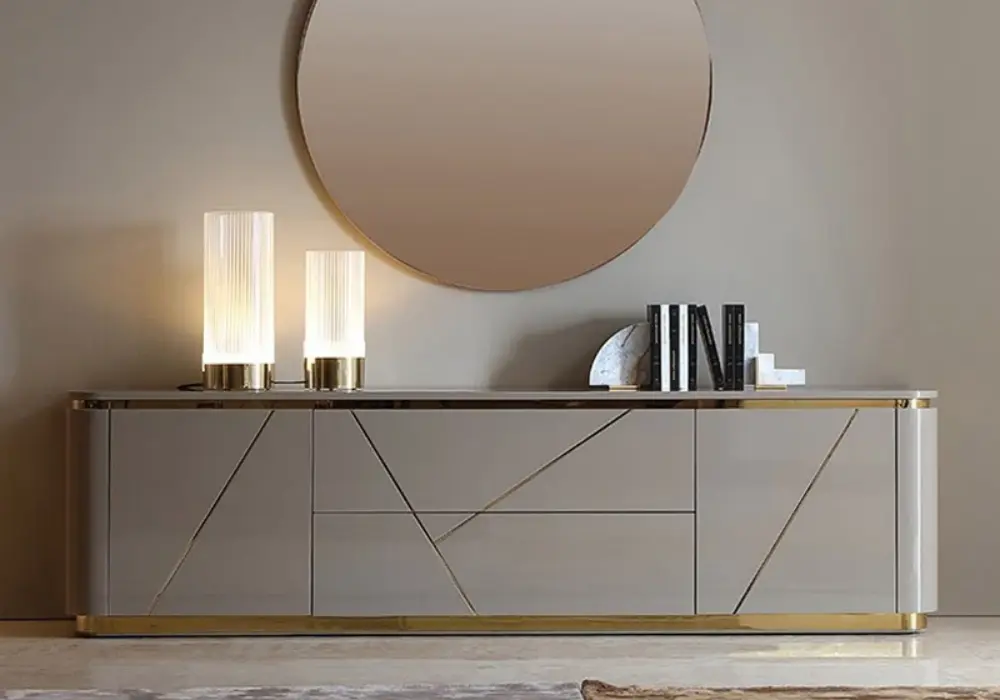
Source Homary
Who Should Choose What? Matching Setups to Lifestyles
Too often, people pick a TV and media layout based on a snapshot in time rather than how their life evolves.
As a homeowner, you might choose to mount a large display directly above a fixed feature wall. You might do this assuming the furniture layout would stay the same forever. But then six months later, after buying a sectional sofa that completely changes how the room flows, you might get stuck with a TV that’s permanently locked in the wrong spot. And if you want to fix it, you’ll have to deal with some awkward drywall repair work. Not the most ideal situation.
But on the other hand, a freestanding media console would give you the ability to adapt the room's layout as your furniture and lifestyle changed. It’s situations like this that show we really have to think about what our living circumstances are like when picking functional furniture pieces. Remember, it’s not just about the look, but how it works for you on a daily basis.
So to help you out, here are a couple of the most common situations.
The renter’s dilemma: wall damage vs. floor space
If you lease your apartment or home, patching large drywall anchors and painting over filled holes at move-out can be a headache. While light tilt brackets exist, mounting a heavy 75-inch (1905 mm) TV into wall studs leaves noticeable structural scars. A freestanding console lets you position even ultra-large screens safely without losing your security deposit, so it might be the better fit for your circumstances.
The minimalist and small apartment living
In cozy living rooms or narrow floor plans where every square foot counts, placing a bulky piece of furniture directly in high-traffic pathways can make the room feel cramped. Mounting your screen directly onto the wall opens up sightlines and keeps foot traffic moving smoothly through your rooms.
Storage-heavy households and families
Between streaming devices, gaming consoles, soundbars, controllers, and board games, media zones gather a lot of clutter fast. A standalone console gives you a lot more dedicated hiding spots for equipment, and it’s easier to keep cords out of sight and away from curious hands. If you have pets or young children in the house, then it can give you peace of mind knowing all of the clutter is out of the way.
Awkward walls like brick, concrete, and plaster
Not all walls welcome a drill bit with open arms. If your accent wall features exposed brick, stone veneer, or delicate historical lathe-and-plaster, mounting hardware safely requires specialized masonry anchors or professional contractor help. In these rooms, a freestanding media console is by far the safest and most practical route. However, if you’re willing to go the extra mile and DIY a solution or hire a professional, you can tackle those more challenging mounting surfaces.
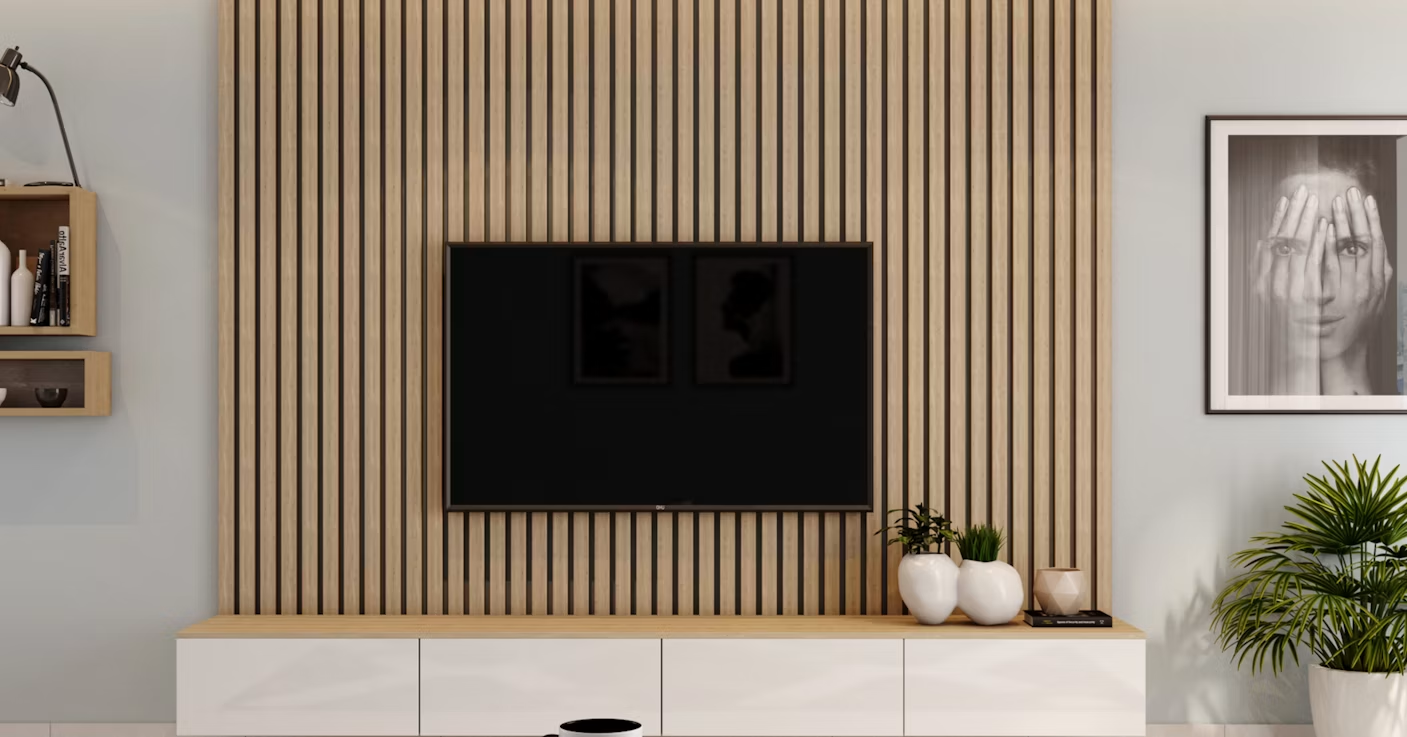
Source Unsplash (CC0)
Ergonomics and Viewing Height
Installing a television at an awkward height can lead to subtle but still frustrating neck strain over time. A common mistake among DIYers is mounting the screen too high above a mantelpiece, creating what interior designers jokingly call the front-row movie theater neck tilt because you constantly have to look up to see the screen.
So to keep viewing comfortable, here are some things to keep in mind:
- Find eye level: Measure from the floor to eye height while sitting comfortably on your sofa (usually between 38 and 42 inches (965 and 1067 mm) for standard seating).
- Center the screen: Align the center point of your TV display with that eye-level measurement.
- Calculate furniture height: If you’re using a TV stand, subtract half of your TV’s overall vertical height from your seated eye level. The remaining figure is the ideal height for your console.
Concealing Cords and Hardware
A wall-mounted display loses its clean, floating charm the moment black power cables dangle down your pristine wall. Managing cords requires a little bit of planning based on your budget and skill level:
- In-wall power extension kits: The cleanest long-term fix involves running an code-compliant electrical extension kit inside the drywall cavity, placing a recessed outlet directly behind the screen.
- Surface raceways: If you cannot cut into your walls, you can get paintable surface channels that latch onto the wall to bundle wires into a single neat line painted to match your wall color.
- Console cable cutouts: Quality media consoles naturally solve this issue. Pre-drilled cable cutouts along the backboard allow you to route power strips, HDMI cords, and audio lines within internal cabinets, keeping everything hidden out of sight.
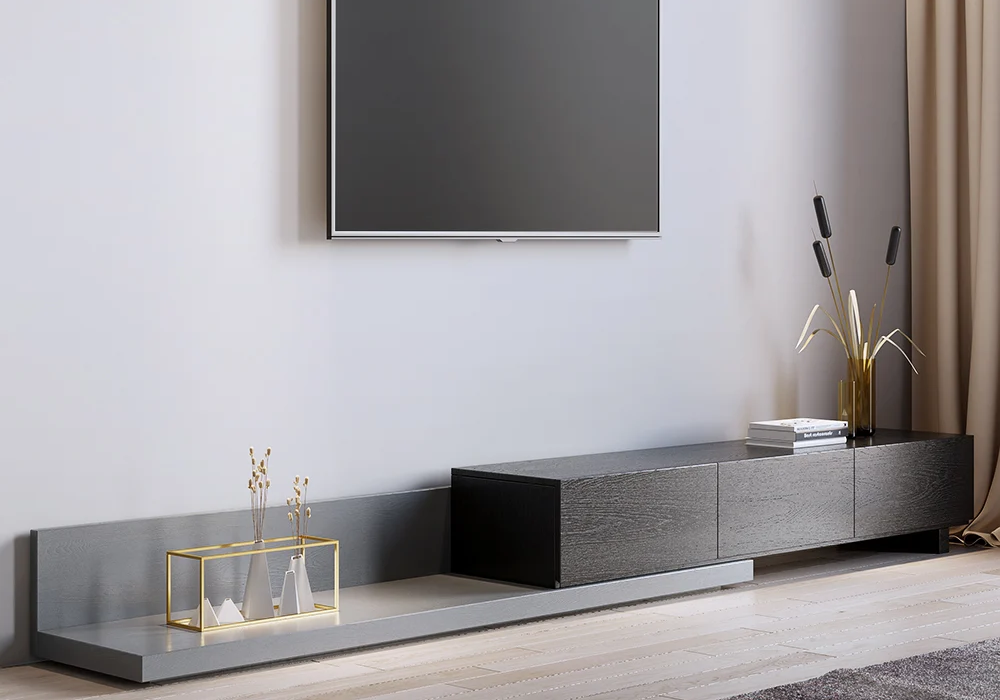
Source Homary
Curated Media Console Pairings for Modern Living Rooms
Whether you’re using a console as a standalone base or placing a low-profile unit underneath a mounted screen, pairing your TV with the right furniture anchors the room's design.
Flexible modern design with an extendable console
When working with unusual wall lengths or growing tech setups, adaptably structured furniture is key. The Crator 3-drawer extendable media console adjusts smoothly from compact layouts to wide feature walls, offering flexible surface space and deep drawer organization.
Statement anchors for large displays
Large television screens (75 to 85 inches (1905 to 2159 mm)) need substantial furniture bases underneath to feel balanced and grounded.
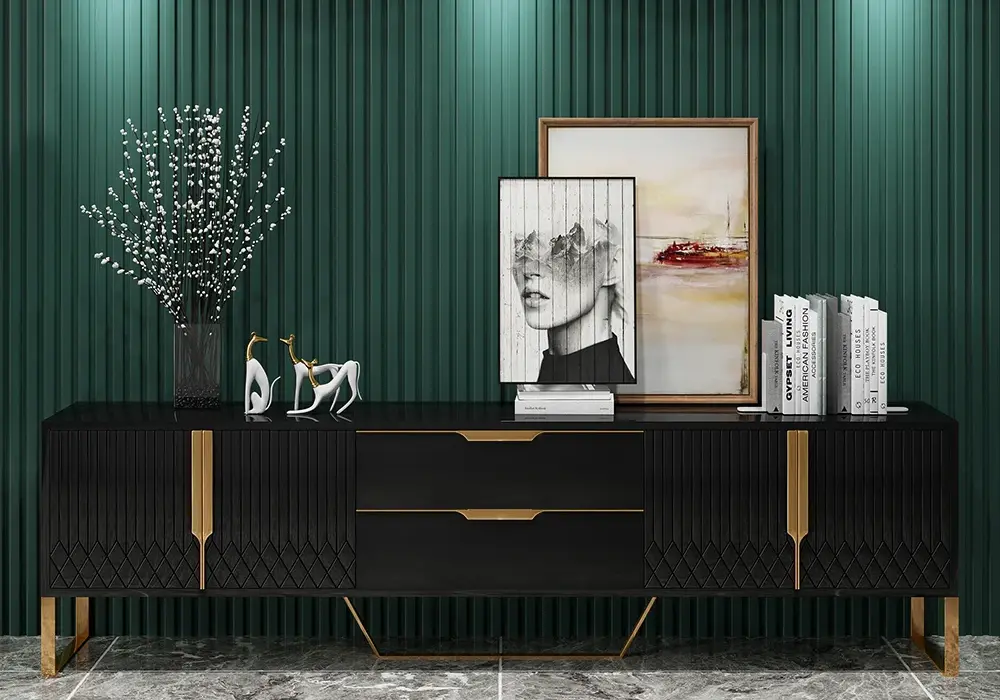
For wide, sophisticated living rooms, the Janice gray and gold TV stand for TVs up to 100 inches (2540 mm) blends refined fluted door accents with gold leg detailing and generous internal shelving.
If you prefer architectural contrast and dark wood tones, the Aro black wood 80-inch (2032 mm) media console provides an expansive silhouette complete with geometric doors and hidden storage compartments for all of your media items.
Source Homary
Sleek floating and luxury modern styles
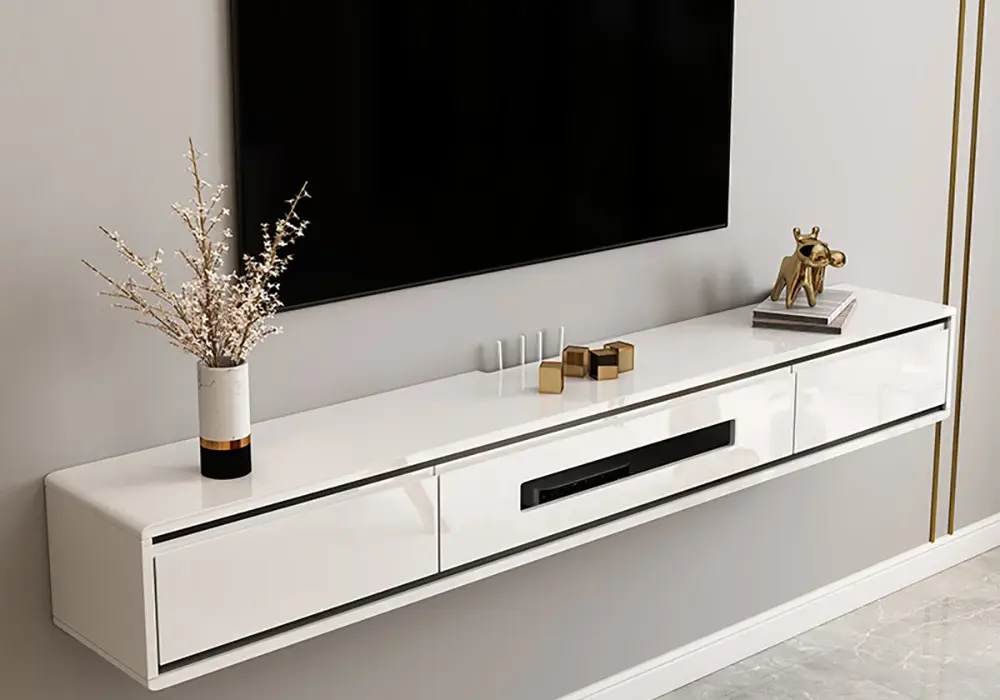
You can enjoy the floating look of a wall mount alongside built-in drawer space by choosing a wall-hung unit like a postmodern 71-inch (1803 mm) floating TV stand. It mounts directly below your screen to keep floor space clear while concealing devices.
For high-end entertaining rooms, the Chift luxurious 4-door black media console incorporates durable stainless steel framing, marble-patterned tops, and gold handles for maximum visual presence.
Source Homary
FAQs About Wall Mount TVs vs. TV Stands
Should my TV stand be wider than my TV?
Yes, your TV stand should be at least 2 to 4 inches (51 to 102 mm) wider than the television screen on both sides. A console narrower than the TV creates a top-heavy look and increases the risk of accidental bumps or tipping.
Can you mount a TV without drilling into wall studs?
While drywall anchors or toggle bolts exist, mounting a heavy TV solely into drywall is risky. Televisions over 30 pounds (14 kg) should always be secured into solid wood studs or masonry to prevent serious structural failures and equipment damage.
How far away should you sit from a 65-inch (1651 mm) or 75-inch (1905 mm) TV?
A general guideline for 4K televisions is to multiply your screen's diagonal size by 1.2 to 1.5 to get the ideal viewing distance in inches. For a 65-inch (1651 mm) TV, sit roughly 6.5 to 8 feet (1981 to 2438 mm) away; for a 75-inch (1905 mm) screen, aim for 7.5 to 9.5 feet (2286 to 2896 mm).
Is it safe to mount a TV above a fireplace?
While popular, mounting above an active fireplace can expose sensitive electronics to excessive heat and soot over time. Additionally, fireplace mantels usually force the screen well above natural eye level, leading to neck strain unless you install a specialized pull-down mantel bracket.
Can you put a TV stand under a wall-mounted TV?
Absolutely! In fact, it’s one of the most popular setups in modern interior design. Pairing a low-profile media console or floating shelf beneath a wall-mounted TV gives you the best of both worlds: a clean, elevated display with zero floor clutter, plus a sturdy surface below to anchor the room visually and hide devices like soundbars, streaming boxes, and gaming consoles.
The Bottom Line: Wall Mount or TV Stand?
At the end of the day, settling the wall mount TV vs TV stand debate really just depends on what’s best for your home’s footprint and your daily routine. If floor space is tight, or you want a sleek, modern gallery feel, mounting your display directly to the wall provides an airy, floating look. On the flip side, if you live in a rental, need deep storage for gaming hardware and media gear, or simply want to protect your drywall, a well-crafted media console offers instant, effortless style and practical organization.
Whichever option you choose, prioritizing proper viewing height and intelligent cable management will ensure your living space remains both comfortable and clutter-free. Take a close look at your room's layout, consider your long-term storage needs, and choose the media setup that best serves your home.