

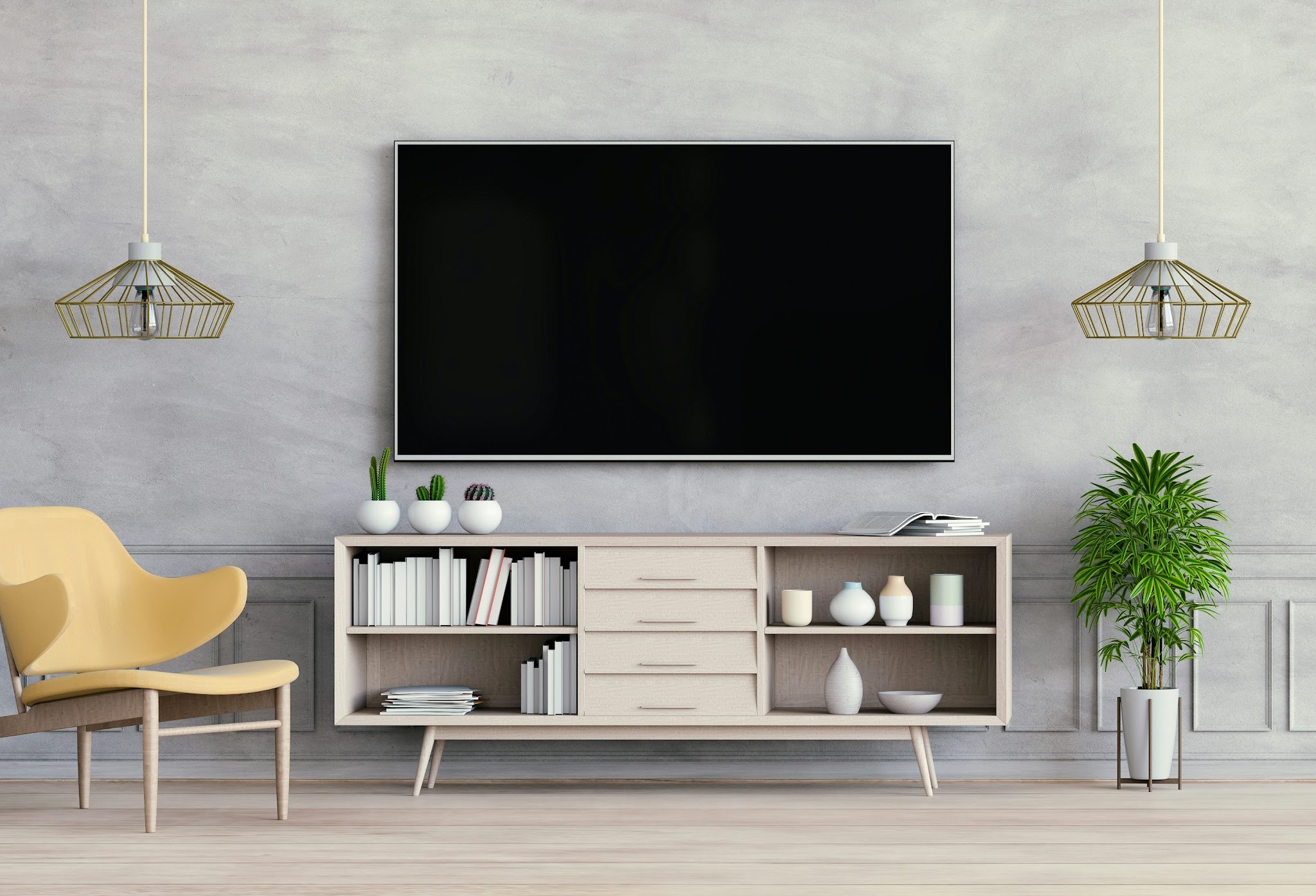
What size TV stand is necessary for a 75-inch TV? This question is coming up over and over again in 2026 as the size of the average TV continues to grow.
Historically, you were lucky to see a 30-inch TV in someone's home, but now 75-inch or even 90-inch televisions from top brands like LG and Samsung are becoming much more common.
In this guide, I run through how to choose the foundation for your TV stand. You'll learn the actual dimensions of 75-inch TVs, the Golden Overhang Rule, and what you need to consider beyond the width of your stand. Here are our expert tips for a flawless media setup.
The true dimensions of a 75-inch TV
When I was renovating my living room a couple of years ago, I made the mistake of assuming that a 75-inch TV meant that the TV was literally 75 inches wide. But, of course, that’s not the case. In fact, most 75-inch TVs pair perfectly with stands that are between 70 and 80 inches wide.
When a manufacturer sells a 75-inch TV, they're referring to the viewing area’s diagonal measurement, not the horizontal measurement. As such, a 75-inch TV is 75 inches from the bottom-left corner to the top-right corner (similar to how professionals measure computer monitors).
Because of this, a standard regular aspect-ratio 75-inch TV is about 65 inches wide and 36 inches tall. This means that you have more options for choosing a stand than you might think. (Learn more about TV sizing and the science behind it at rtings.com).
The Golden Overhang Rule: How to choose the width of your stand
Of course, the width of your stand shouldn't be 65 inches (even if your 75-inch TV is 65 inches wide). Not only will that lead to fitting issues, but it’s also displeasing aesthetically.
So, what size TV stand for a 75-inch TV is right?
I recommend using the Golden Overhang Rule. This says you should leave a 3-5-inch overhang on each side of the TV, giving you a bit of bare surface on either side so the TV doesn't look precarious. If you get a TV that is exactly the same width as the stand, it can look top-heavy and feel like it’s not being supported properly and might topple over.
If your TV has wide-set legs, that requires even more adherence to the Golden Overhang Rule. These TVs have feet that sometimes extend beyond the edge of the screen, so they need more room.
Examples of large TV stands
At Homary, we offer several stands that facilitate the golden overhang rule for 75-inch TVs.
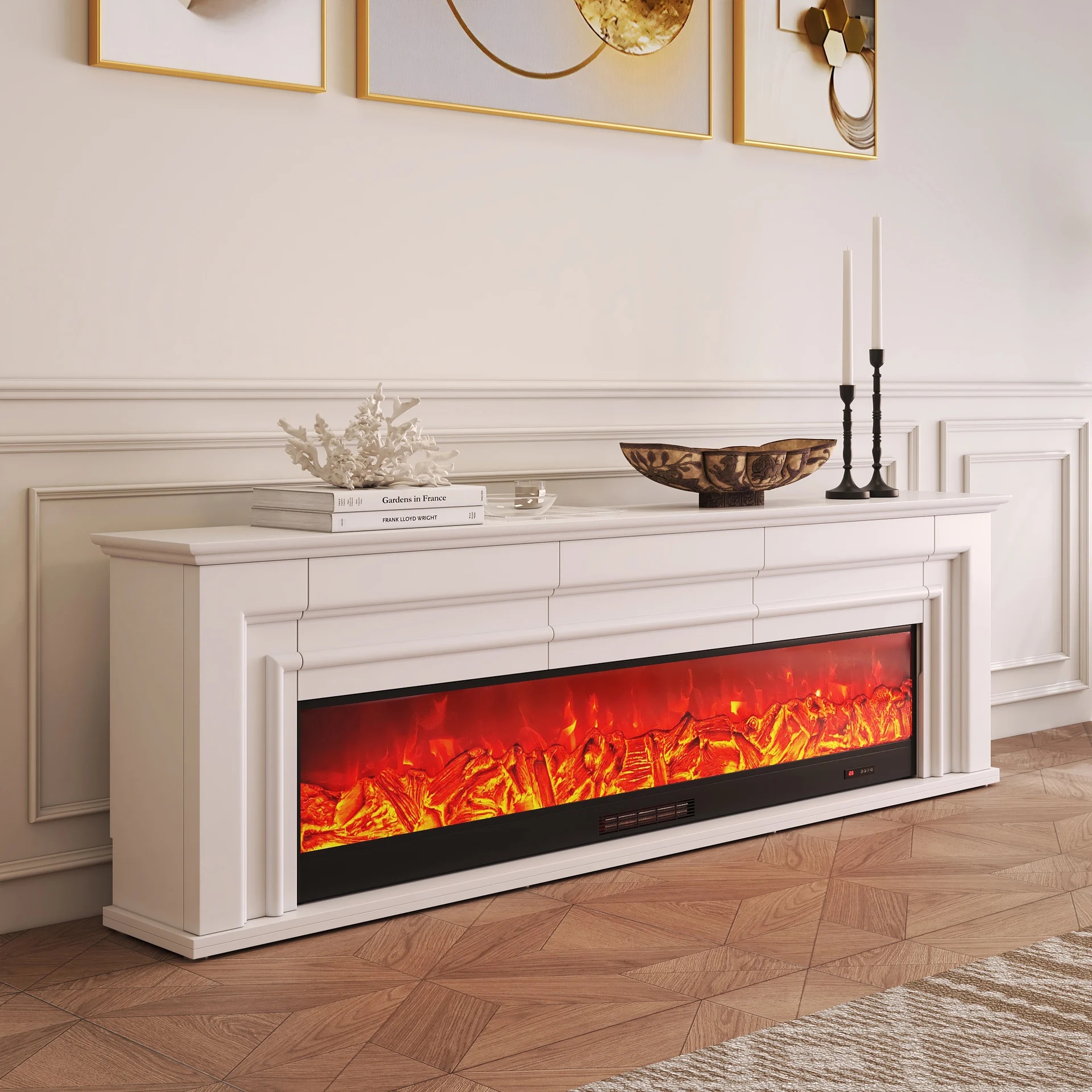
Our 78.7-inch Electric Fireplace TV stand with remote control is one of our most desirable products. This elegant option offers a place for your TV plus plenty of storage, temperature control, and customizable frame brightness. Use it to create a warm ambiance while keeping a compact living room organized and cozy year-round.
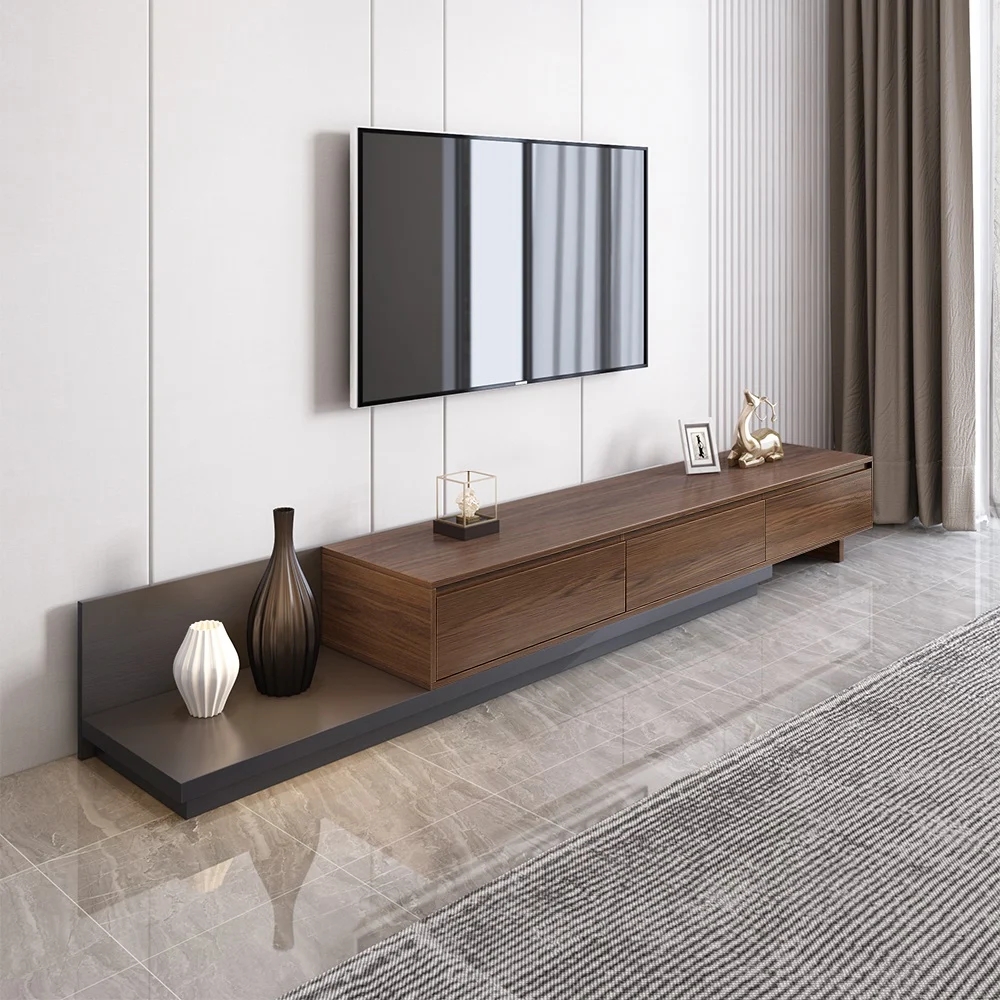
Another option is our Fero 79" to 142" extendable TV stand with three drawers. This piece is perfect if you want to upgrade your TV over time. It looks great when you mount your TV directly on the stand itself or on the wall behind it, creating a visually interesting backdrop.
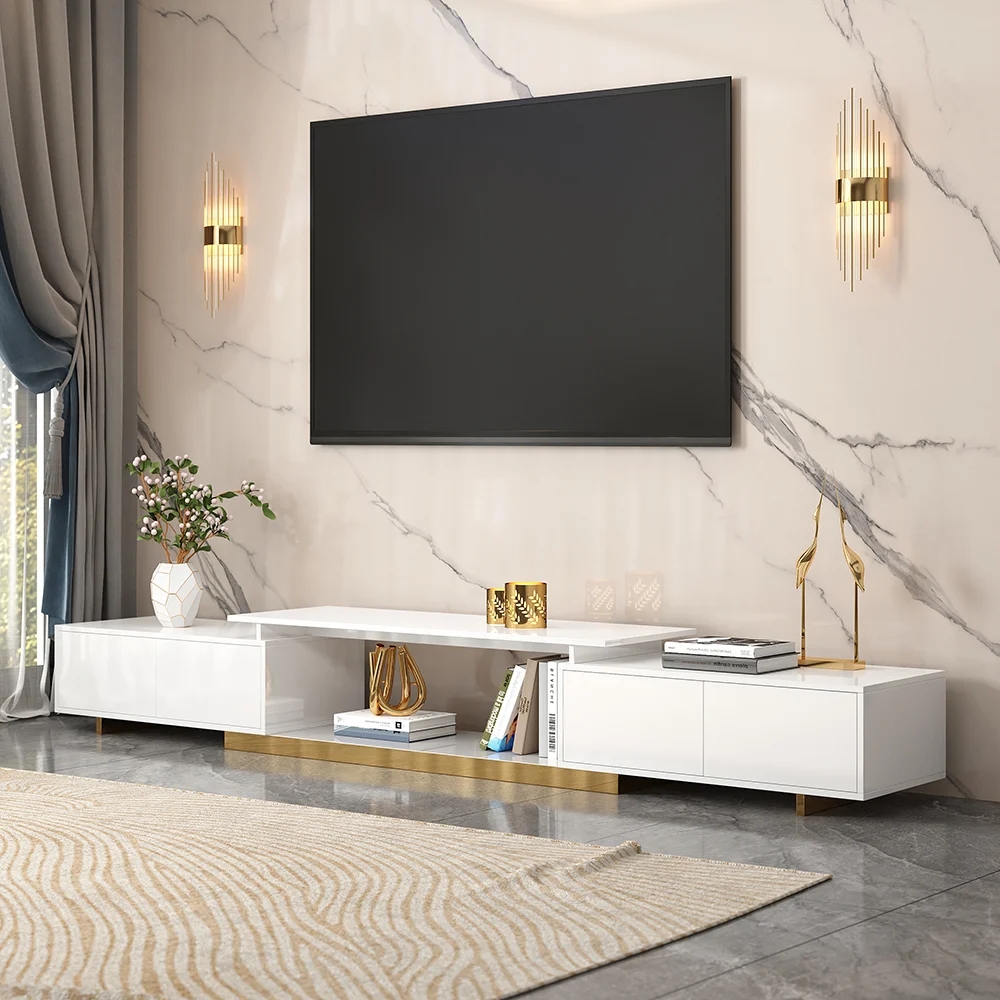
Finally, if you're looking for something mid-range that can grow to accommodate larger televisions in the future, then the Mordel 63-inch to 94-inch extendable white TV stand with storage could be a great option. It's designed for open-plan living areas and comes with a scratch-resistant surface to help maintain a clean and refined look, plus push-to-open doors with sleek handle-free profiles.
Reference table: TV size and compatibility guide
If you're not sure what size TV stand you need for your television, the following table serves as a reference guide. It's not exact, as you'll see, but it gives you recommended stand widths depending on the TV size.
TV Size | Actual TV Width (Approx.) | Minimum Stand Width (Safe) | Recommended Stand Width (Ideal Aesthetic) |
65-Inch | 56.7 inches | 60 inches | 65–70 inches |
75-Inch | 65.4 inches | 70 inches | 75–85 inches |
85-Inch | 74.1 inches | 80 inches | 85–95 inches |
Obviously, if your TV is larger than this, you may want to consider a different type of setup and use different furniture in your living room. For instance, extendable stands or custom furniture options could be better for the largest TVs. Wall-mounting is also beneficial for more extensive setups because you don’t need to physically balance the television.
Beyond Width: The Height, Weight, and Depth Checklist
As a rule, you need to consider more than the horizontal dimension when you're thinking about stands for large TVs. Giving careful consideration to the height, weight, and depth of the TV stand is also important. A massive 75-inch screen changes the viewing dynamics of the room as a whole.
Choose the right height for eye level
Start by choosing the right height to ensure the TV is at eye level when sitting on the sofa. The center of the TV screen should be directly in front of you, according to technical viewing standards from the Society of Motion Picture and Television Engineers (SMPTE).
Since the average height of a seated person is 42 inches from the floor, a TV stand for a 75-inch TV should be around 20 to 26 inches high. This provides a natural viewing experience and doesn't require you to crane your neck up (or down) all the time.
The mistake I originally made was believing that a large TV needed a large stand. That's not the case at all. Bigger TVs need lower stands to create an acceptable viewing experience.
Choose the right depth and weight capacity
You also need to choose the right depth and weight capacity for your 75-inch television. While many modern TVs are thin, they can also be heavy, weighing upwards of 60 to 80 lbs.
Usually, I find central pedestal stand TVs the easiest to mount. You just place them in the middle of your TV stand, and they are self-supporting.
By contrast, TVs with edge or wide-set edge feet can stretch forward and backward significantly. Therefore, think about the depth of your TV stand and whether there's enough space for the feet.
Most professionals recommend looking for a media stand with a depth of between 15 and 18 inches. This ensures that the legs are securely away from the edges of the stand.
Professionals also suggest checking the weight capacity of the stand. Manufacturers usually provide this information on the box. Weaker TV stands can bow and sag over time because of heavy loads, ultimately risking your TV.
Creating the perfect aesthetic
Now that we've covered the technical metrics, it's time to get to the fun part: picking the stand design style that elevates your living room.
For me, the goal is to make a huge 75-inch screen look like an intentional design choice. It should feel like a natural part of the room, like an oversized painting in a grand mansion.
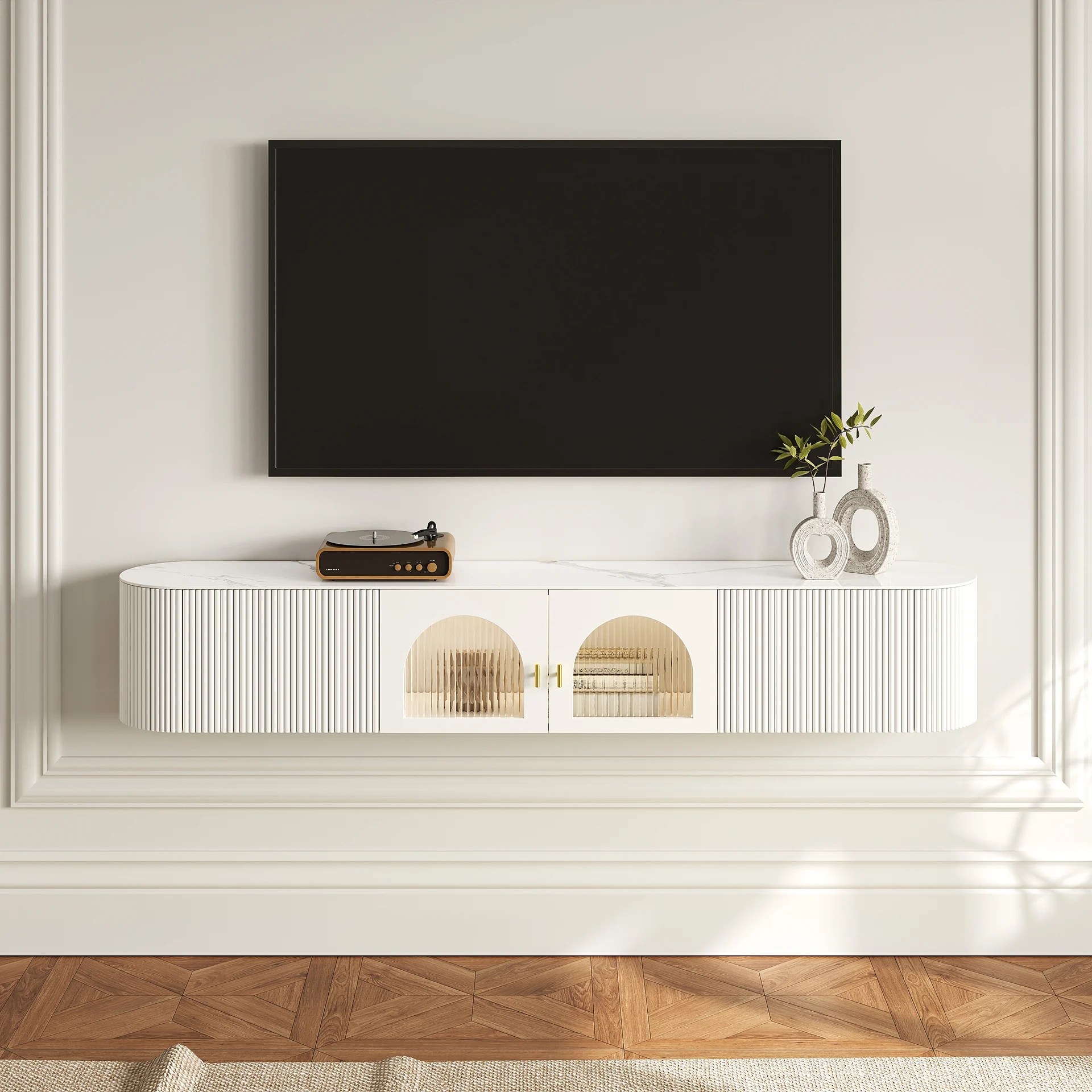
To make your living room feel airy, opt for a floating media console with a sleek, modern edge. These wall-mounted options are highly versatile and remove clutter from your living space. By taking the cabinet and the stand off the floor, you get more floor space, which tricks you into thinking the room is larger. This is a great approach for small living rooms and media areas.
At Homary, we offer some floating TV stands, like our 70.8-inch White Sintered Stone option. This TV stand has inbuilt storage and looks perfect when placed under a wall-mounted TV.
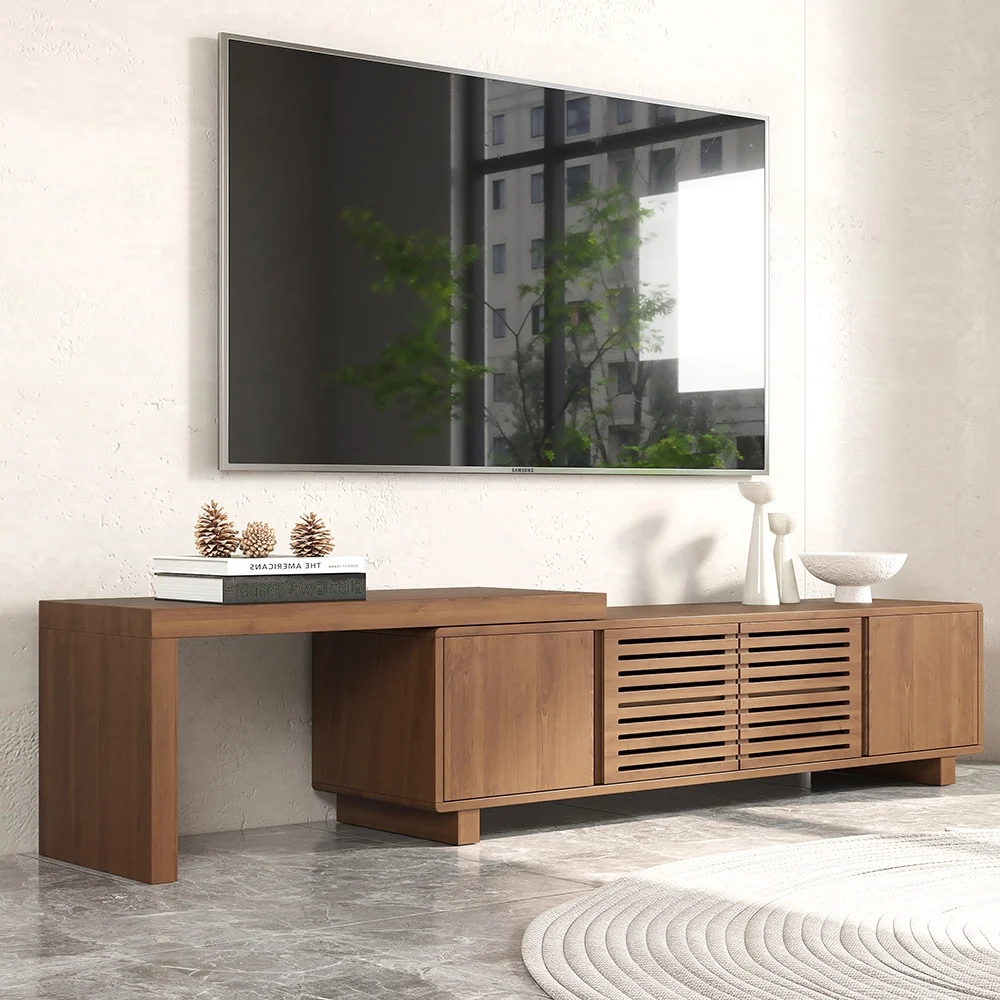
On the flip side, you might want more storage or grand credenzas if you have a lot of accessories like streaming boxes and gaming consoles combined with power strips. A floor-running credenza allows you to keep most of these items out of sight, providing a low-profile media chest that stretches 78 to 85 inches, making it the perfect ratio with a 75-inch screen.
Homary offers credenza-style sideboards that you can use for media equipment. For example, consider our Extendable Grill-inspired Walnut TV stand with additional storage areas. This piece is made with durable engineered wood and comes with a luxury wood veneer, integrated cable management holes, and multiple compartments for DVDs, accessories, and game consoles. It also has an elegant slatted front that fits into contemporary living spaces like magic.
Expert tips for a flawless media room set up
How do you turn your media room into a space you want to spend more time in so you can enjoy your new 75-inch TV? Here’s what you can do to transform it from a regular entertainment space into a highly polished room that also looks the part.
Give your electronics breathing space
My first piece of advice is to give your electronics breathing space. I used to stuff everything in tight cabinets without realizing that modern gaming units and media systems generate a lot of heat.
Therefore, make sure the back of any unit you buy has plenty of cutouts for wiring and ventilation if you're keeping these electronics behind closed cabinet doors. Don't allow units to overheat.
Leave space for your sound bar
I also recommend that homeowners like you leave plenty of space for a sound bar. You want enough room so that it can sit comfortably in front of the TV and deliver exceptional audio. Just make sure that the sound bar doesn't cover the TV's remote sensor or part of the screen. Ideally, sound bars should be out of the way and preferably integrated into your TV stand where possible. Just be warned that some sound bars can be quite wide and heavy, so you may need to make specific modifications to your TV stand to incorporate them.
Map out your TV's profile before you buy
My last piece of advice is to map out the profile of your TV using painter's tape so you can see how it will appear when installed on your stand or the wall behind. Check the exact dimensions of the TV stand, and then put some decorator's tape on the wall to show where it will appear.
Also mark out its footprint on the stand so you can see whether you have enough space. Take into account where the TV's feet will go when you do this to check they have enough room.
Frequently asked questions
Can you put a 75-inch TV on a 65-inch stand?
Usually, you can put a 75-inch TV on a 65-inch stand because the 75-inch measurement refers to the diagonal screen size distance, not the horizontal one. However, this ratio is discouraged because of the visual imbalance it creates and the tipping hazard if the TV has wide edge or set edge feet. In general, choose a 70- to 80-inch-wide stand. This gives you 3 to 5 inches either side of the TV to reduce visual clutter and safety risks.
How high should a TV stand be off the ground for a 75-inch TV?
TV stands should be between 20 and 26 inches off the ground for a 75-inch TV. Audiovisual professionals recommend this height because the center of the screen is exactly at eye level with a seated viewer.
Feel free to adjust the height accordingly. You may be taller, so your TV stand can be taller. Alternatively, you may be primarily providing the entertainment space for your children, in which case the TV stand can be on the lower end since they sit lower.
Is a floating TV stand safe for 75-inch TVs?
At Homary, all of our TV stands are safe for 75-inch TVs. In many cases, you can wall-mount your TV above the stand and use it for accessory storage. Modern TVs are heavy, but even if you directly mount them on top of a floating stand, they should be safe. Just check the wall material is sufficiently robust. If it isn’t, use a floor-mounted stand instead.